Online QR Code Decoder
Introduction
In the last few years, QR codes have transformed from simple links to the backbone of our digital interactions. From restaurant menus to complex WiFi configurations and digital business cards (VCards), they are everywhere. However, with this convenience comes a hidden risk: privacy and the clutter of unnecessary mobile apps. Many users still rely on third-party apps that track location and data, unaware that a more powerful, secure, and web-based solution like ZXing Org exists.
The Problem with Modern QR Scanning
Most people’s first instinct is to head to the Play Store or App Store and download the first “Free QR Scanner” they see. These apps are often bloated with ads, require unnecessary permissions, and sometimes even lead to “QRjacking” (malicious link redirection). Furthermore, when it comes to technical tasks—like extracting a WiFi password from a saved screenshot—most basic scanners fail to provide actionable data, leaving users with a mess of raw text.
The Solution: A Browser-Based Powerhouse
This is where modern web-implementations of the ZXing library, such as zxingorg.com, change the game. Instead of installing an app, you can decode any QR code or barcode directly from your browser. Whether you are on an iPhone, Android, or a Desktop, the process is seamless and, most importantly, private.
Why ZXingorg.com is Leading the Transition
What sets this specific tool apart from the legacy ZXing.org and other generic scanners are three main pillars:
Instant WiFi Password Extraction
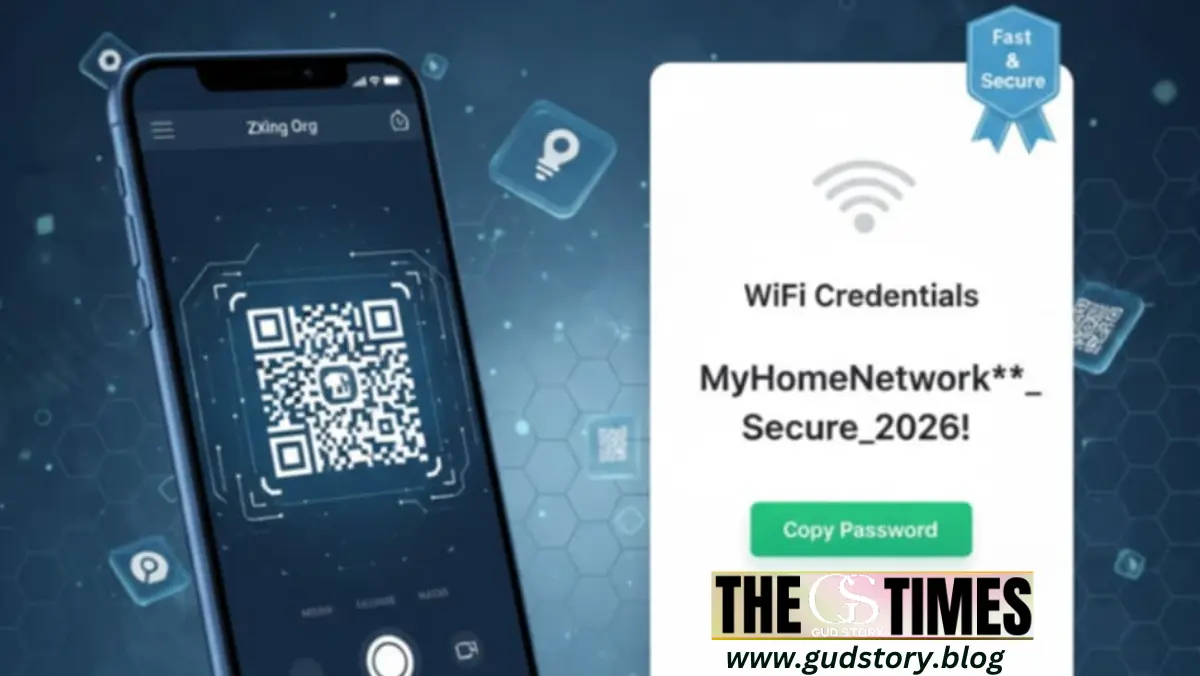
Most scanners show you a raw string like WIFI:S:Home;P:12345;;. Average users don’t know what to do with that. The ZXingorg decoder parses this data and displays the password in a clear, bold format with a quick-copy button. It’s the fastest way to share WiFi without digging through router settings.
Decoding from Anywhere (Images & URLs)
Have you ever received a QR code as a screenshot on WhatsApp? You can’t scan it with your phone’s camera. You need a tool that can “read” the file. By using the Online QR Decoder, you can simply upload that screenshot or even paste an image URL to get the hidden information instantly.
A Complete Productivity Suite
Beyond just decoding, the platform serves as a full-featured QR Generator. You can create custom codes for:
VCards: For professional networking.
SMS & Email: For automated marketing and triggers.
Encrypted WiFi: To let guests join your network securely.
The Security Advantage
In 2026, data privacy is non-negotiable. Web-based tools like ZXingorg process information without storing your personal images or contact details on their servers. There is no login required and no tracking cookies following you around the web. It is a “use-and-go” utility that respects user boundaries.
Conclusion
The era of downloading an app for every small task is over. As we move towards a more streamlined web experience, tools that offer speed, security, and specific features—like bold password display and multi-format support—will win. If you’re looking for a reliable, no-nonsense way to manage your QR needs, the modern ZXing Org implementation is the gold standard.
About the Author